QuickBooks Online integration
Enter a customer once — not in two systems
12v.Biz Toolbox syncs two ways with QuickBooks Online, so a customer's name, phone, and email stay matched across both. No more re-typing client info every time you start a work order.
- Two-way sync of customer name, phone, and email
- Pull existing QuickBooks customers into a new work order
- New Toolbox customers sync back to QuickBooks automatically
14-day free trial · No credit card required
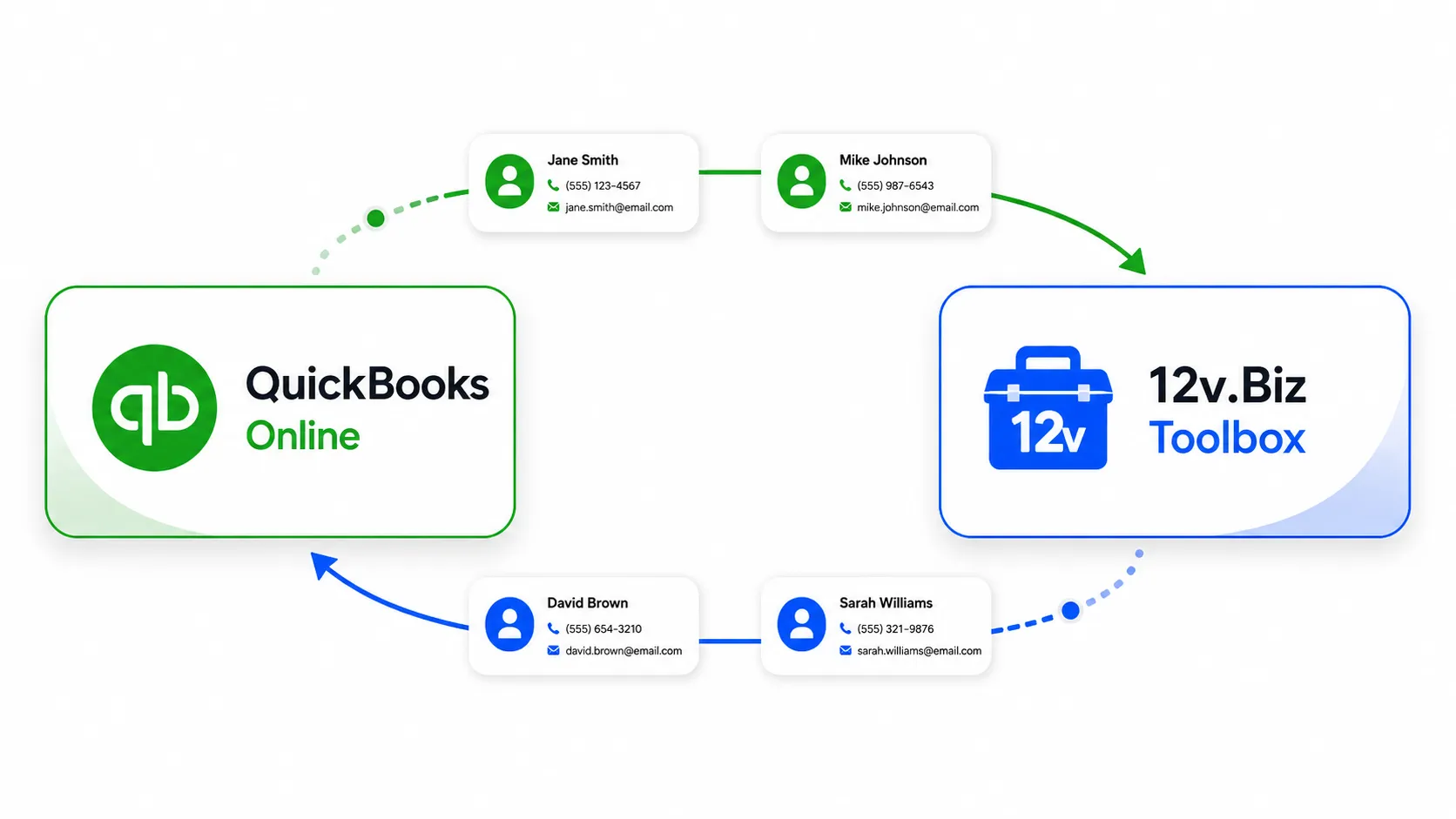
Two-way sync
Find a customer once, and every change follows
Your QuickBooks Online customers sync into the Toolbox automatically — so when you search a client by name, phone, or email in the app, they're already there, ready to drop into a work order. Add someone new in the Toolbox and they sync back to QuickBooks; update a detail in either system and the other follows. No re-typing, fewer typos, cleaner records in both.
- Synced QuickBooks customers show up when you search in the Toolbox
- New Toolbox customers sync back to QuickBooks automatically
- Update a detail once and it's applied everywhere
Stop double-entering customer info
Start a free 14-day trial and connect QuickBooks Online in minutes. Don't use QBO? The Toolbox runs perfectly on its own.
- Two-way customer sync
- No credit card required
- Cancel anytime
14-day free trial · No credit card required